
Browse up to 1,000 local FLAC and MP3 tracks, including Japanese file and folder names, with album artwork, playlists, favorites, and resume playback.
If you find it useful, you can support it. Support PSPMAN

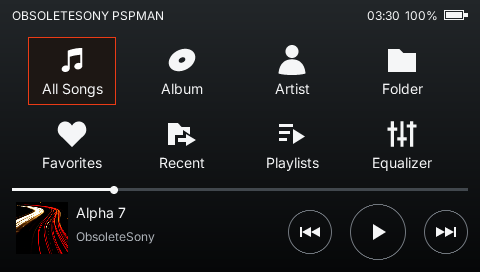
Browse up to 1,000 local FLAC and MP3 tracks, including Japanese file and folder names, with album artwork, playlists, favorites, and resume playback.
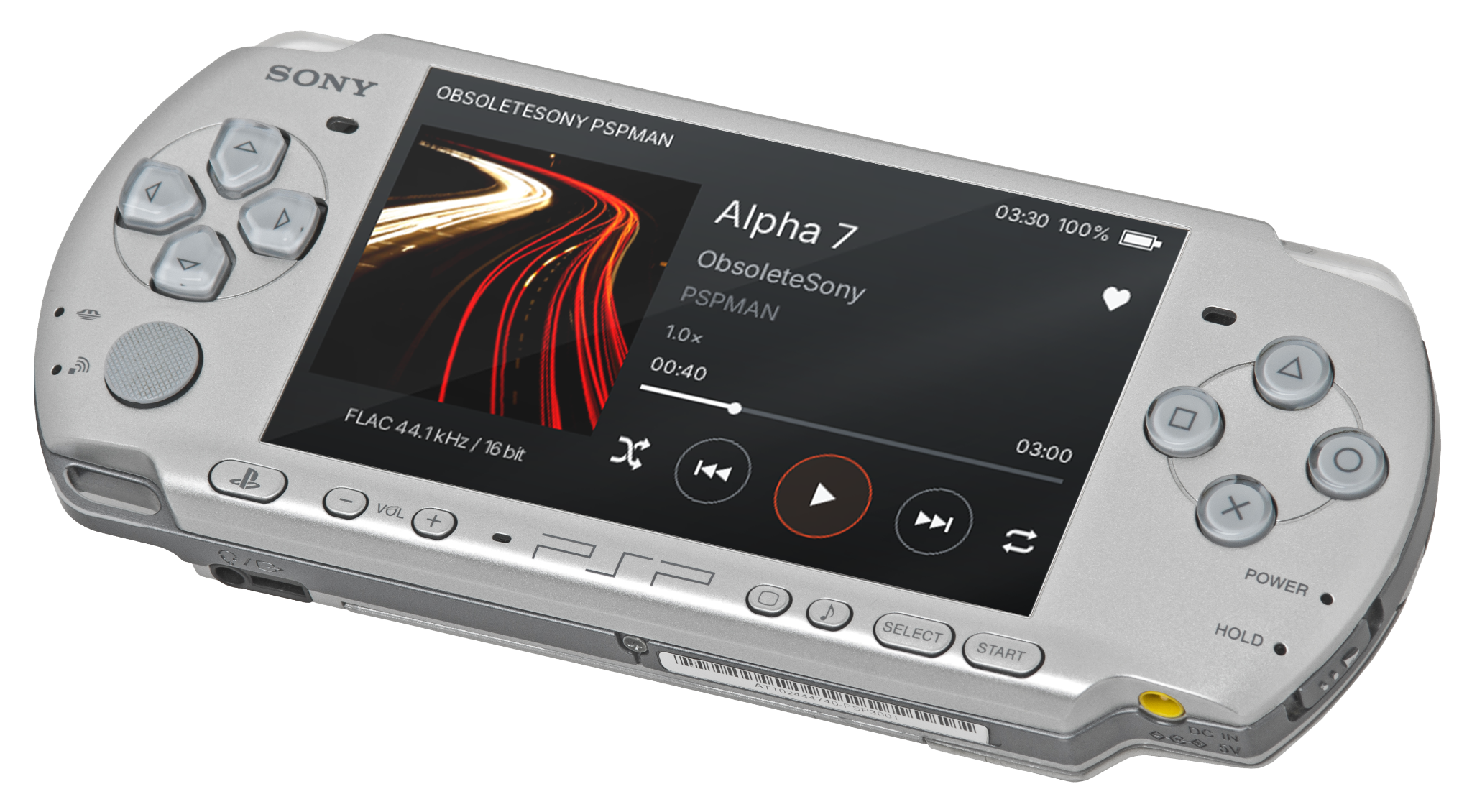
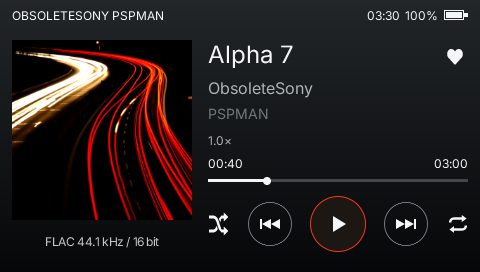
A focused, artwork-led interface built around the PSP's screen and physical controls.
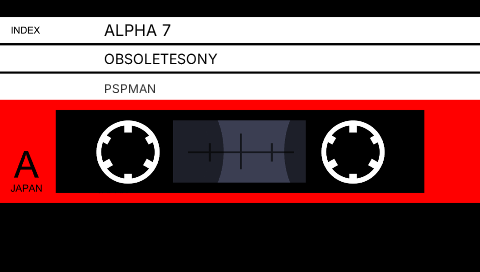
Switch cassette designs and watch the reels turn while your music plays.
The essential compatibility, setup, and support information for the Public Alpha.
The Public Alpha supports PSP-2000, PSP-3000, PSP Go using either Memory Stick Micro (M2) or internal system storage, and PSP Street (E1000). PSP-1000 is experimental and still being evaluated.
Yes. PSPMAN is a homebrew application, so your PSP must be able to run homebrew. Open Settings > System Settings > System Information. Names such as ARK, PRO, ME, LME, or M33 after the version number indicate custom firmware. PSPMAN does not install or change your system firmware.
Extract the download and copy the complete PSPMAN folder to /PSP/GAME/ on your PSP storage. EBOOT.PBP should end up at /PSP/GAME/PSPMAN/EBOOT.PBP. Safely disconnect the PSP, then launch PSPMAN from the Game menu.
PSPMAN scans /MUSIC/ and /PSP/MUSIC/ on PSP storage, including PSP Go internal system storage. Subfolders and Japanese file and folder names are supported. The first launch saves a library snapshot; later unchanged launches restore it for faster startup. The library holds up to 1,000 compatible tracks. Additional tracks are left out without stopping the app.
Stereo 16-bit/44.1 kHz FLAC and MPEG-1, MPEG-2, and MPEG-2.5 Layer III MP3 at 8, 11.025, 12, 16, 22.05, 24, 32, 44.1, and 48 kHz are supported. MP3 may be CBR or VBR, mono or stereo. Embedded JPEG and PNG artwork is supported. Free-format MP3 and other audio codecs are not supported.
Public Alpha is PSPMAN's first build for wider real-hardware testing. PSPMAN is independently developed by ObsoleteSony. Compatibility work continues across the supported models. Back up important files before installing alpha software.
Use the bug-reporting guide rather than a social media reply. Include your PSP model and firmware, explain what happened, and attach the local diagnostic log when available. Missing a technical detail? Write “I don't know” and send what you have.