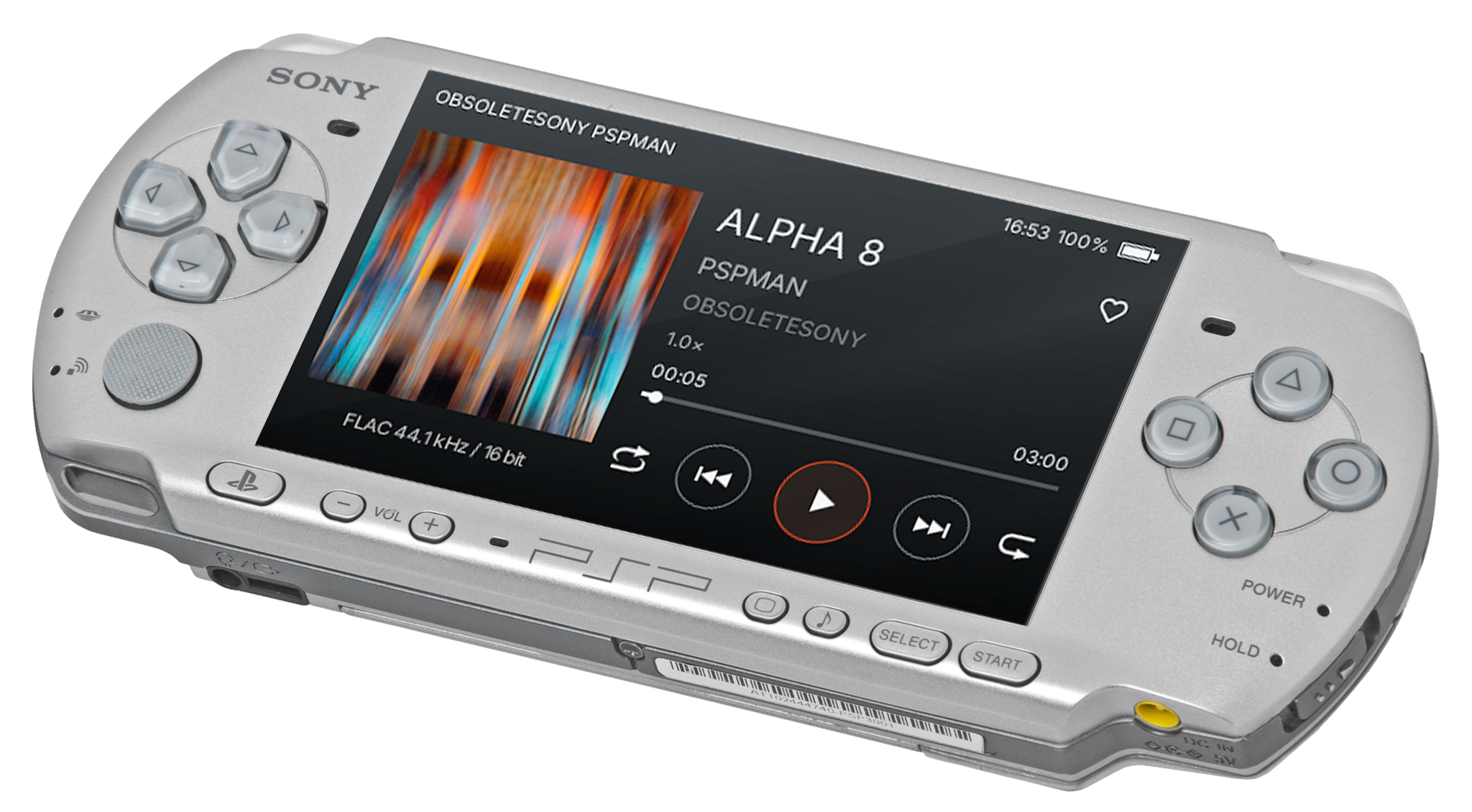
Play compatible MKV and MP4 videos stored on your Memory Stick. Choose a video from your folders and watch it on your PSP. Check Video Compatibility for supported video, audio and resolutions.
Video Compatibility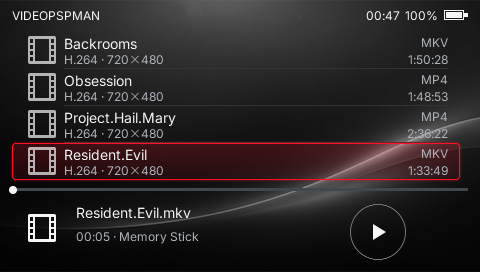
If you find it useful, you can support it. Support VideoPSPMAN
A video player for PSP that plays videos from your Memory Stickand streams from your home computer.
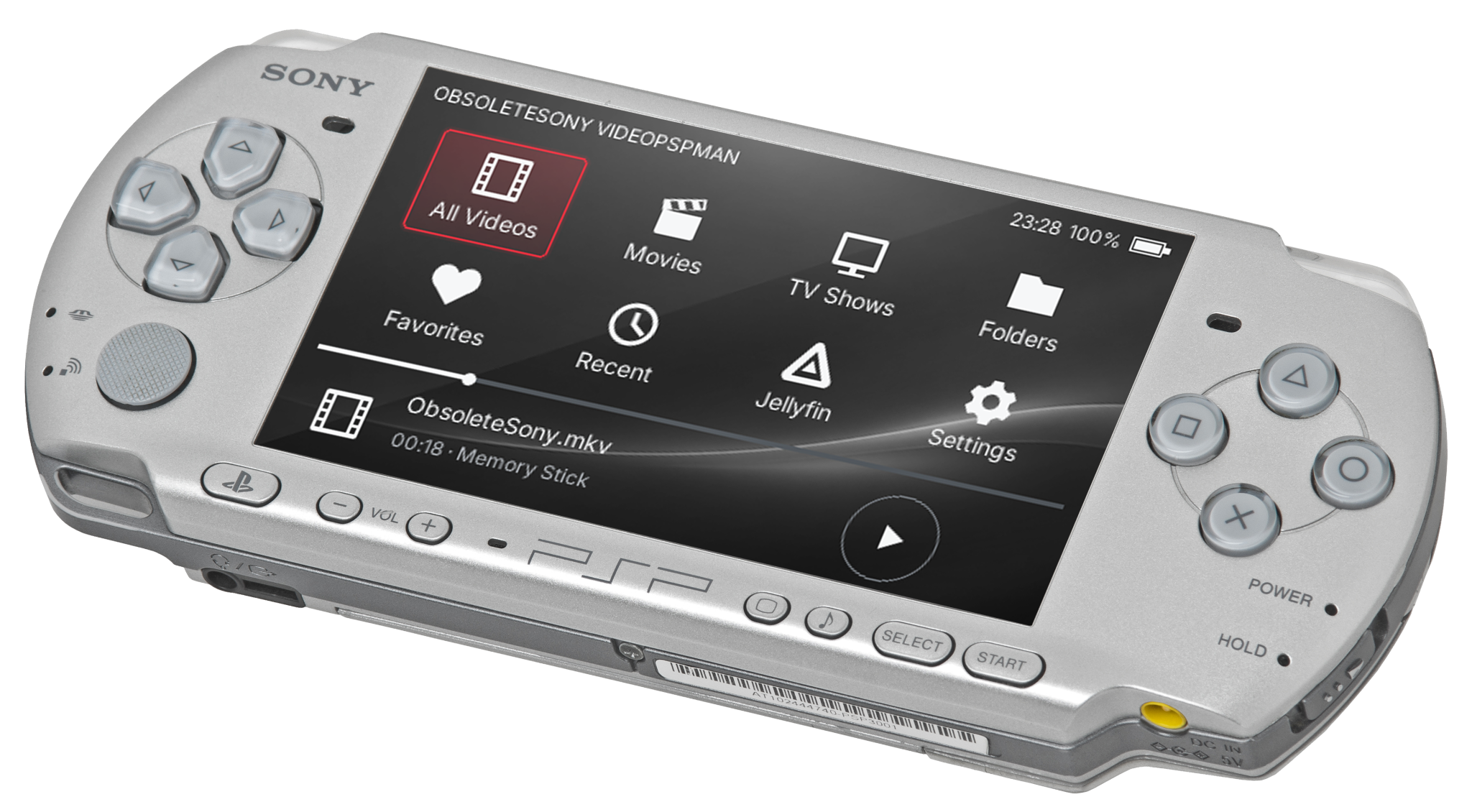

Play compatible MKV and MP4 videos stored on your Memory Stick. Choose a video from your folders and watch it on your PSP. Check Video Compatibility for supported video, audio and resolutions.
Video Compatibility Stream your home computer’s videos to your PSP with Jellyfin, free media server software installed on your computer. Watch over Wi-Fi without copying each video to your Memory Stick.
Set up Jellyfin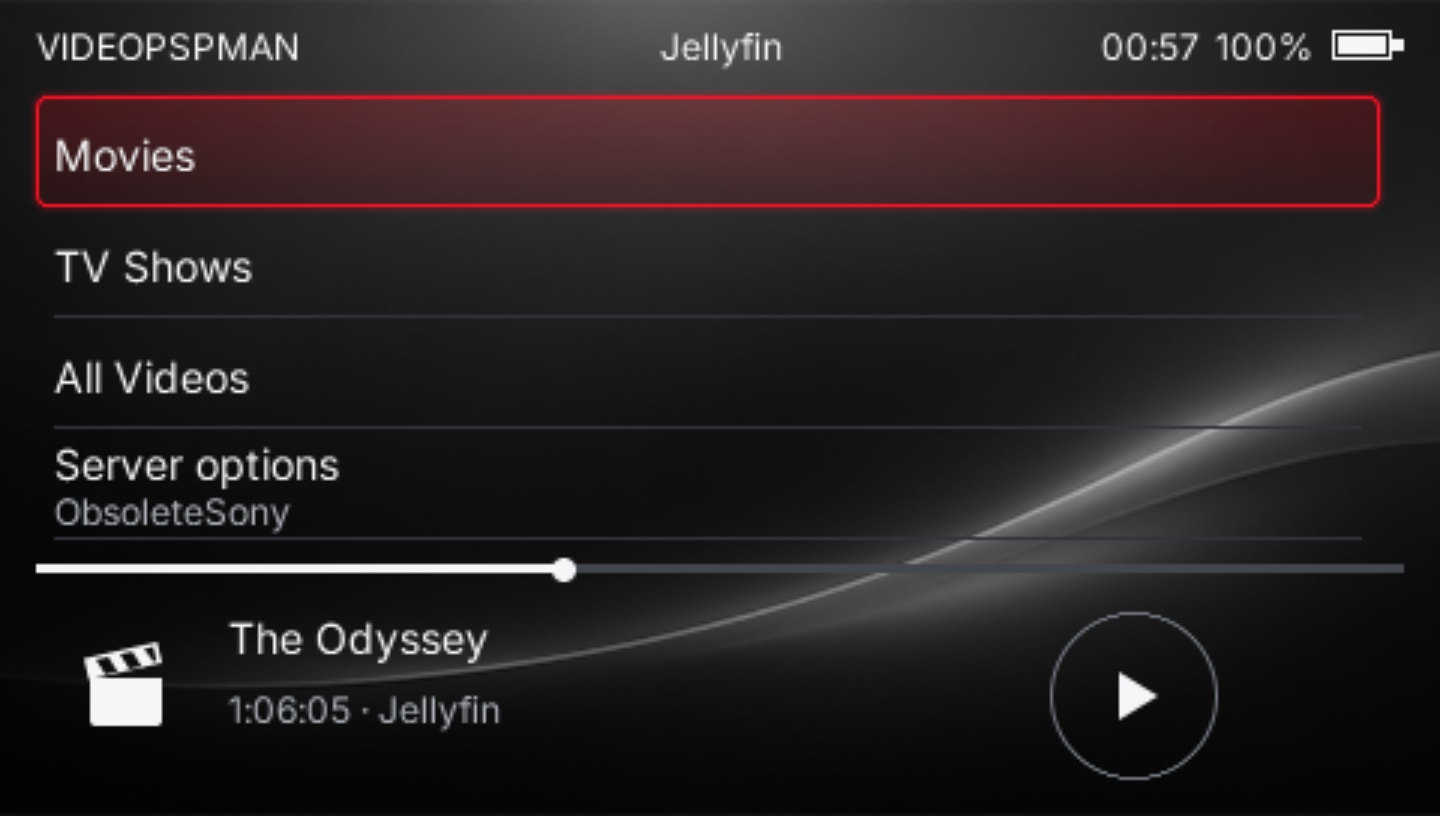
The list screens and button controls you know from PSPMAN. Choose videos from your folders or favorites, and pick up where you left off.
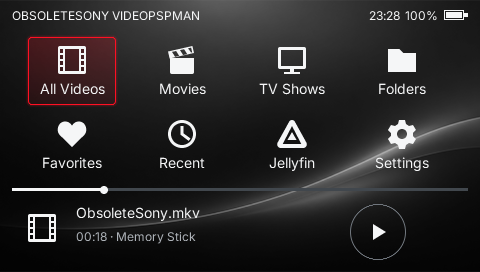
The essentials for installing and using VideoPSPMAN.
Yes. VideoPSPMAN requires a PSP that can run homebrew. It does not install or change your system firmware.
Copy the complete application folder from the release ZIP to /PSP/GAME/ on your PSP storage, then launch it from the Game menu.
Compatible MP4 and MKV files. Playback depends on the video codec, audio codec and resolution, not just the file extension.
Put videos in the /VIDEO/ folder on your Memory Stick. Subfolders are supported.
No for Memory Stick playback. For streaming, run Jellyfin on your home computer and connect your PSP to the same network.
Include the app version, what happened and the steps to reproduce it. Mention whether you used Memory Stick playback or Jellyfin.